
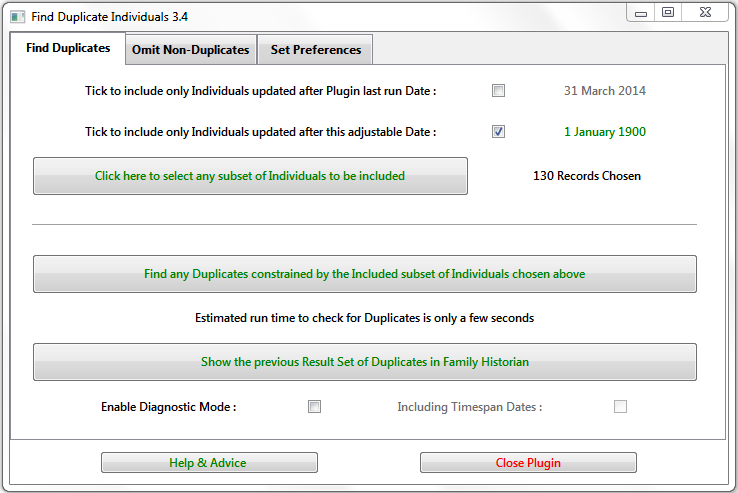
Finds potentially duplicated Individual records by comparing the Names and key Events of selected Individuals and their immediate Relations. See the Help & Advice for details.
Family Historian Version(s): V5 V6 V7
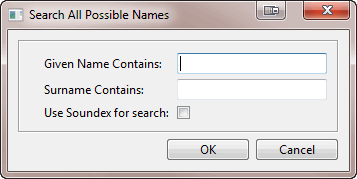
Search for individuals by specifying a given name, surname or both. A table of all matching individuals is returned with links to each record.
Family Historian Version(s): V5 V6 V7
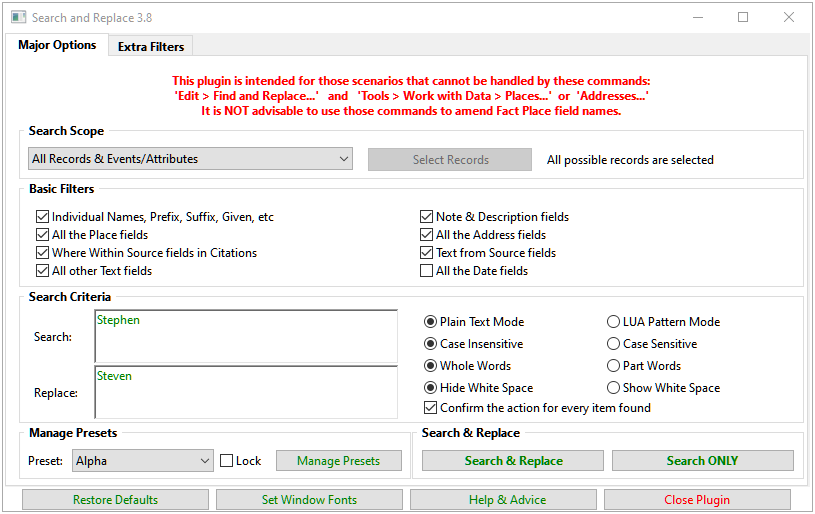
Searches for any text, age, or date values within the current project, and allows them to be replaced by new values, with an optional confirmation at each stage. On completion, all processed values are listed in a Result Set with links back to the record fields. Supports regular expression style Lua pattern matching. See the Help & Advice pages for full details. This plugin is intended for those scenarios that cannot be handled by these commands: Edit > Find and Replace... and Tools > Work with Data > Places... or Addresses... However, do NOT use Edit > Find and Replace... to change any Place field names as it will upset your Place records.
Family Historian Version(s): V5 V6 V7
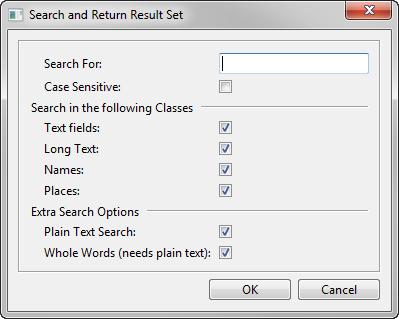
Search for a specified word or phrase in all text fields in the current project, with options to narrow the scope of the search. The matching fields are listed in a table in the Query Window result set, with links back to each context of use (double-click on any Item to view it in the Property Box).
Family Historian Version(s): V5 V6 V7
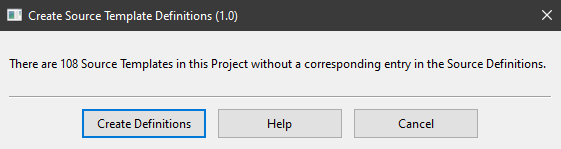
This plugin creates Source Template Definitions from Source Templates generated directly within Family Historian or imported from another compatible application such as RootsMagic. This enables the Source Templates to be used in all Projects, not just the one in which they were created or imported. The latest version of the plugin incorporates minor improvements to the user interface, plus full support for templates containing Unicode characters.
Family Historian Version(s): V7
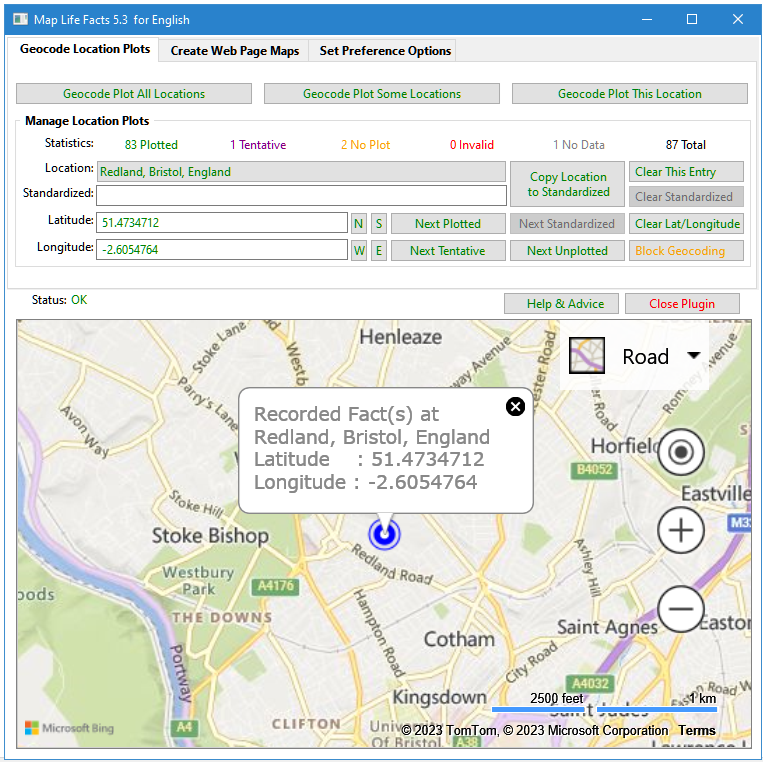
A mapping tool that can sync with Place records and create maps on web pages that display locations for each person's life facts. Mapped data may be saved in a Plugin Data file, or as part of your Project GEDCOM, in Source, Repository or Place records. Place and Address fields are supported. Maps can be filtered on Living & Private flags. The map files can integrate with FH generated web pages. See the Help & Advice for details. For further support please post in the Family Historian User Group forums or Family Historian at Groups.io email where the plugin author will answer your questions which can be supplemented with screenshots if necessary.
Family Historian Version(s): V5 V6 V7
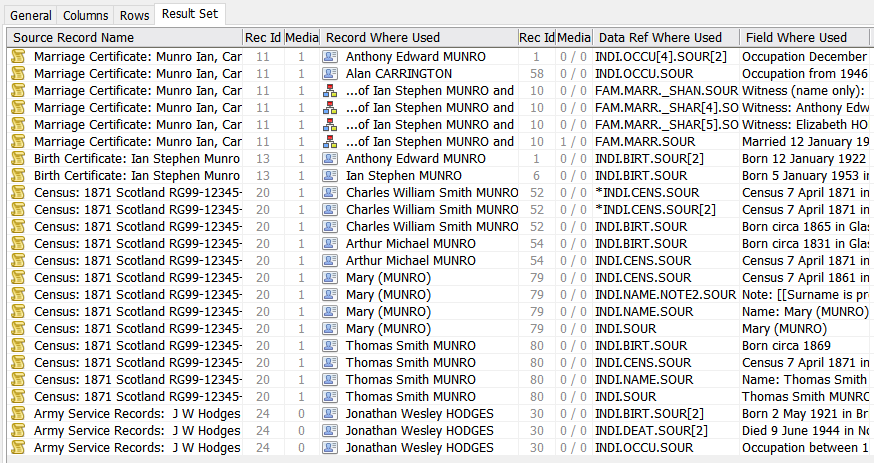
This generates a Result Set listing where any Records are used, similar to the View > Record Links… command, Tools > Work with Data > Places… > Where Used… button, and List All Citations for a Selected Source plugin. However, this plugin supports all Record Types, for any selection of Records, and lists details of the explicit Where Used fields appropriate for the Record Type. If the same Record is used in the same place twice, the Data Ref Where Used is marked with an asterisk. If a Record is linked from a rich text Record Link, the Data Ref Where Used is marked with an @ sign. Records to analyse can be selected via a prompt dialogue or by preselecting them before running the plugin. See the Help page for full details. For further support please post in the Family Historian User Group forums or Family Historian at Groups.io email where the plugin author will answer your questions which can be supplemented with screenshots if necessary.
Family Historian Version(s): V5 V6 V7
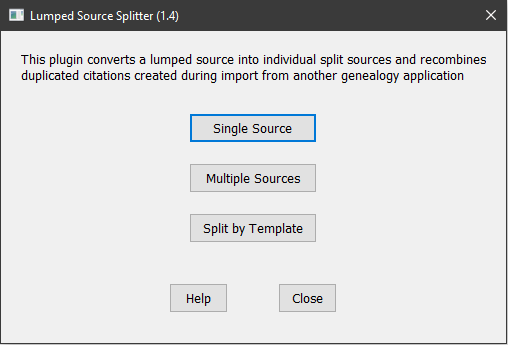
This plugin converts a lumped source into individual split sources and recombines duplicated citations created during import from another genealogy application. Sources can be processed individually or in batches, and can be conventional Generic Sources or Version 7 Templated Sources. All citations, media, notes, etc. attached to individual citations are moved to the new split source. When used with Templated Sources, split sources are linked to a new template where previous citation level data fields have been moved to source level.
Family Historian Version(s): V7